

Overview
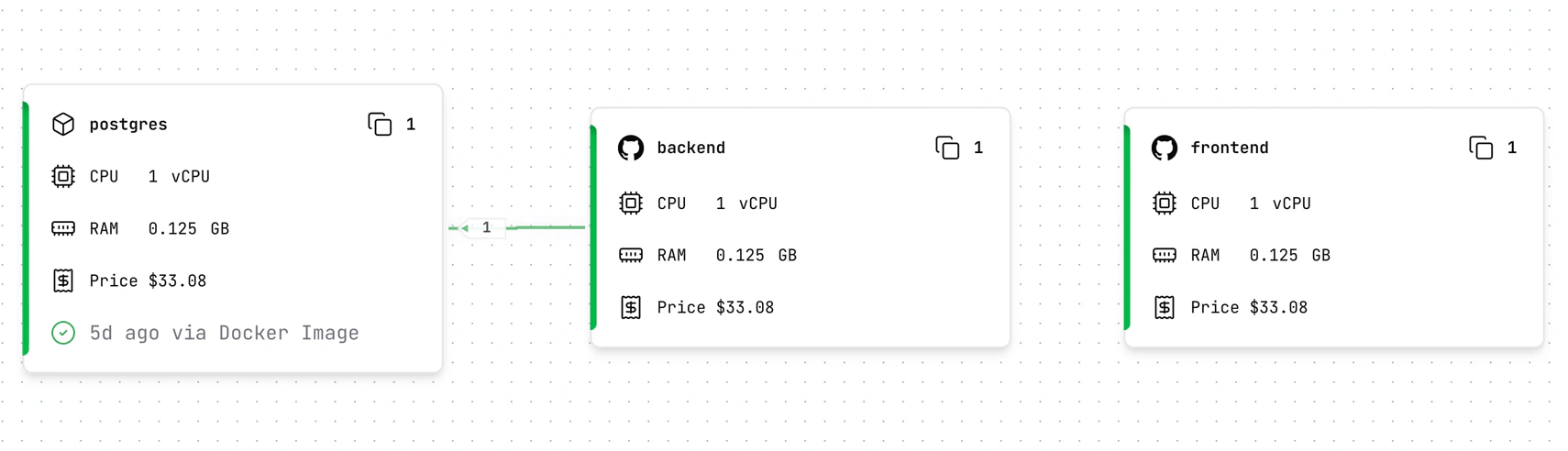
Creating a Service
Click Add Service and choose your source: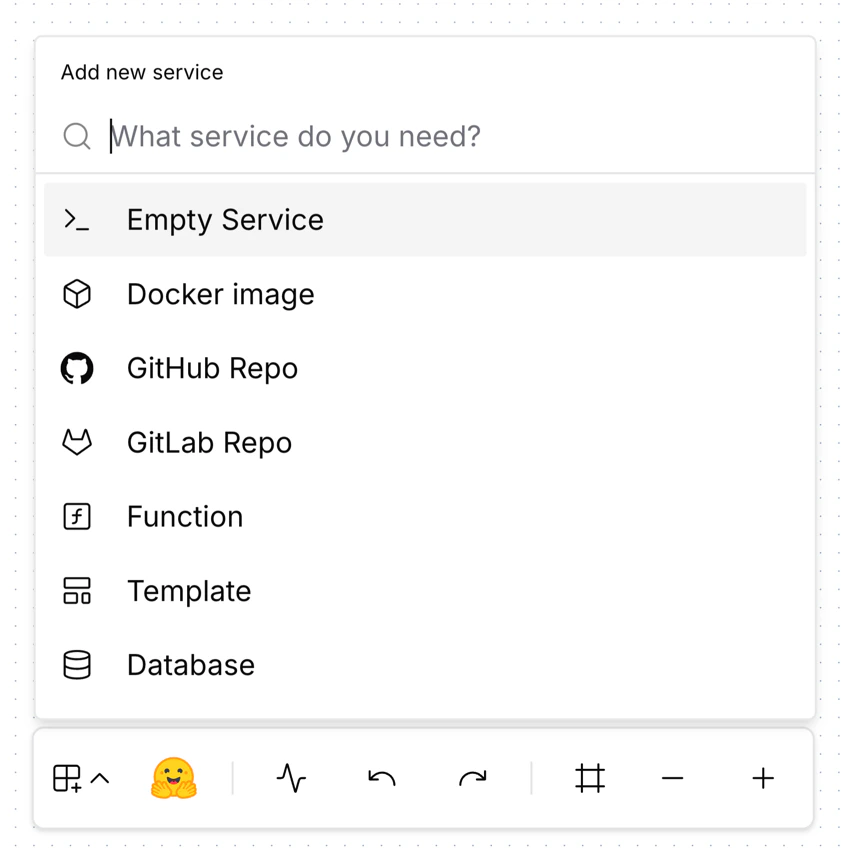
Docker Image
Deploy any public image from Docker Hub — databases, caches, ready-to-run apps
GitHub Repository
Import existing code from your GitHub repos
Empty Service
Start from scratch — write your own code with Cerebrum’s help
Creating a service adds its source and deployment settings. Use Personal Computer to edit files, run terminal commands, and test your code. A service does not get a separate development container.
Deployment
All services, except those based on Docker images, require aDockerfile in the project root. The Dockerfile defines how your application is built and containerized.
Dockerfile Requirements
Your Dockerfile should:
- Expose the port your application listens on
- Define the command to start your application
Deployments Guide
Learn how deployments work — build process, environments, and troubleshooting failed builds.
Resource Configuration
Services require CPU, RAM, and optionally storage resources to run. Configure resource allocation using sliders to match your application’s requirements and expected usage patterns.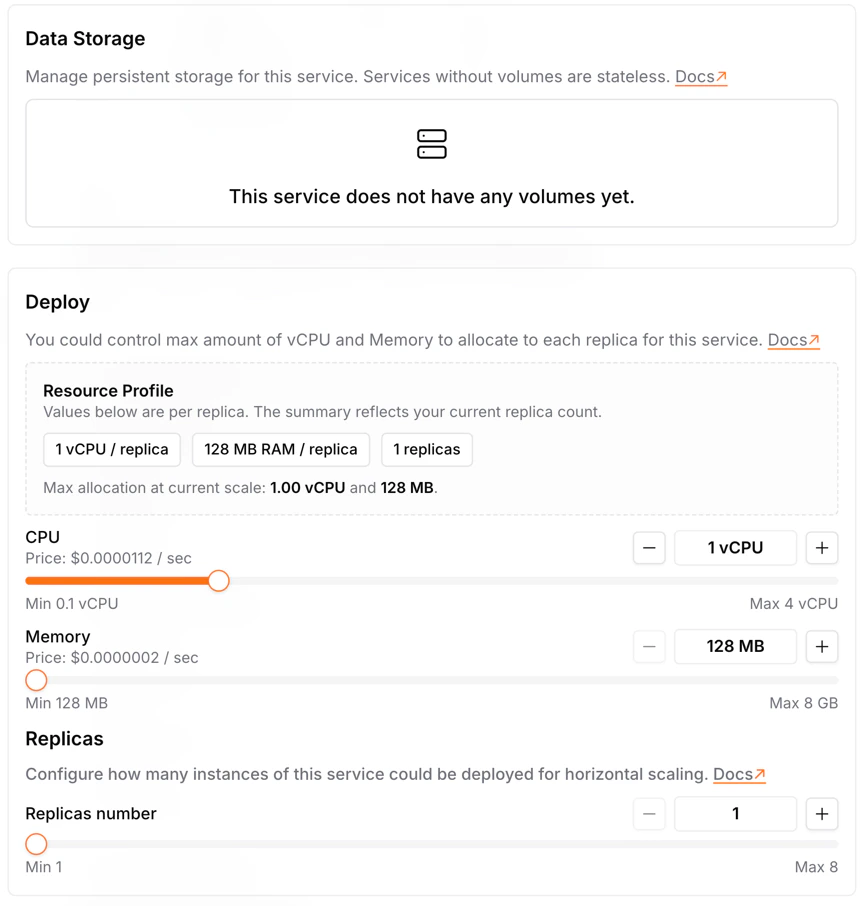
- CPU: Adjustable from 0.1 to 4 cores
- RAM: Configurable from 128MB to 8GB
- Storage: Optional persistent storage from 1GB to 16GB
Not sure how much you need? Start with minimal values and adjust based on actual usage. If your service needs more than the available limits — reach out to us!
Personal Computer
Personal Computer is your computer for work and personal projects — from spreadsheets and hobbies to software development. You can work on your own or with Cerebrum, using files, applications, and the terminal. For service development, use it to edit code, install dependencies, and run tests. Agent and Computer may run in separate runtimes.- Open the service repository and check out the branch for the environment you want to change.
- Edit and test on Computer, configuring the dependencies and environment needed by your test process.
- Commit and push code, dependency files, and the
Dockerfileto the repository and branch used by the merge request or build. Uncommitted or unpushed Computer files are not included. - Review and merge changes through an Ardor merge request when promoting them to another environment.
- Start a deployment to apply the target environment’s code and settings to running services.
Merging changes updates the target environment’s code and configuration. Deployment is a separate action. Service Variables & Secrets configure deployments; they are not automatically copied into your Computer shell.
Best Practices
Resource Planning
Start with minimal resources and scale up based on actual usage.
Security
Use secrets for sensitive data. Never commit API keys to your repository.
Development Workflow
Edit and test on Personal Computer, commit and push your changes, then review and deploy them.
Port Configuration
Always read the
PORT environment variable — don’t hardcode ports.What’s Next
Docker Images
Deploy databases, caches, and ready-to-run apps from Docker Hub
Empty Service
Build from scratch with your own code and Dockerfile
GitHub Integration
Connect repos and keep code in GitHub
Deployments
Build process and troubleshooting
Networking
Internal URLs, public access, and architecture patterns
Environments
Create isolated environments for features, staging, and production
Variables & Secrets
Configure services with environment variables
Logging
Monitor, debug, and understand your services