

Overview
Connect your GitHub account to import existing repositories as service sources. Edit and test on Personal Computer, then commit and push changes to the repository and branch used by the service.New to GitHub? It’s a cloud platform for storing and versioning code. When you link a service to GitHub, the repo becomes the source of truth for that service’s code.
Why Connect GitHub
Own your code
Use a GitHub repository you control as your service’s source.
Work your way
Clone repos, use your favorite IDE, collaborate with your team via PRs.
Import existing projects
Already have code on GitHub? Create Ardor services directly from your repos.
Git workflow
Push and review changes in GitHub, then deploy the intended source in Ardor.
Before You Connect
GitHub account required
GitHub account required
You need a GitHub account or organization where Ardor can access repositories.
Repos connect to services, not solutions
Repos connect to services, not solutions
Each service can have its own GitHub repo. A solution may contain multiple services with different repos.
One repo per service
One repo per service
A service points to a single Git repository. You can’t attach multiple repos to one service.
Don't rename or move repos
Don't rename or move repos
Changing a repository URL or its permissions can prevent Ardor from fetching source. Check the service source settings and build access after a change.
Repository creation and code transfer are separate
Repository creation and code transfer are separate
Creating a GitHub repository does not copy code from Computer or change an existing service’s source. The former automatic conversion flow is unavailable.
Setup Process
1
Connect GitHub Account
Link your GitHub identity via OAuth
2
Install Ardor GitHub App
Grant Ardor permission to read/create repos
3
Import a Repository
Create a service using an existing GitHub repository as its source
Setup
Step 1: Connect Your GitHub Account
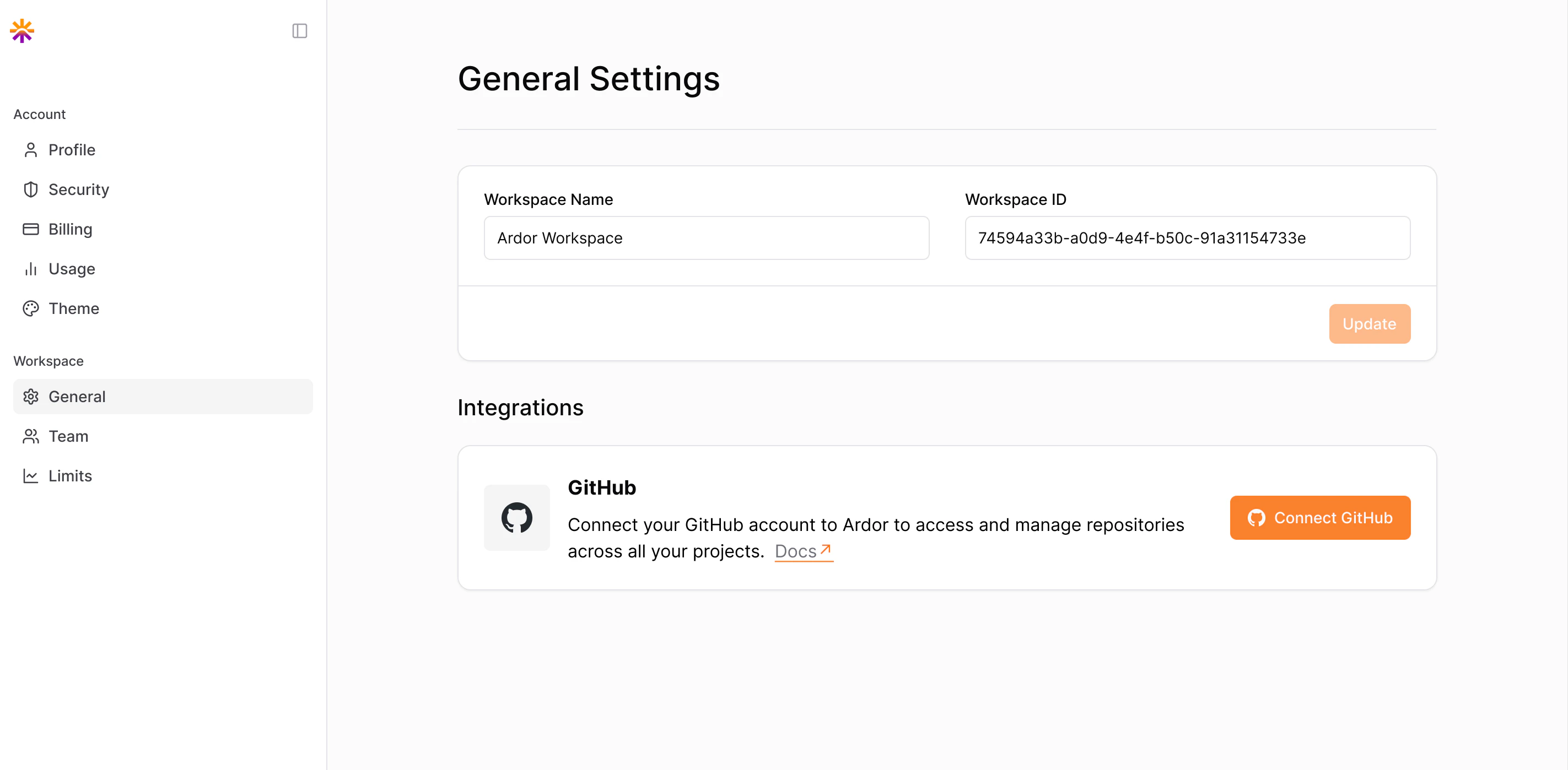
- Go to Workspace Settings → General → Integrations → GitHub
- Click Connect GitHub
- Authorize Ardor to access your GitHub account
This step authorizes your GitHub identity. It does not transfer service code.
Step 2: Install the Ardor GitHub App
After connecting your account, install the GitHub App to grant Ardor repo access:- Choose where to install — personal account or organization
- Select All repositories or specific ones
- Click Authorize Ardor
Using GitHub with Ardor
Once setup is complete, import an existing repository:Import from GitHub
Create an Ardor service from an existing GitHub repository.
Existing Internal Service Repositories
The former Convert to GitHub flow is unavailable. Creating a repository through the GitHub integration does not export an internal service’s history or switch its source. Continue using the service’s configured Git source; importing a GitHub repository creates a separate service.Managing GitHub-Linked Services
Services linked to GitHub:- Show repository details in the service settings
- Use committed and pushed source for builds; a new deployment is needed to update the running service
Disconnect GitHub
To revoke Ardor’s access:- Go to GitHub → Settings → Applications → Installed GitHub Apps
- Find Ardor and click Revoke Access