Documentation Index
Fetch the complete documentation index at: https://docs.ardor.cloud/llms.txt
Use this file to discover all available pages before exploring further.
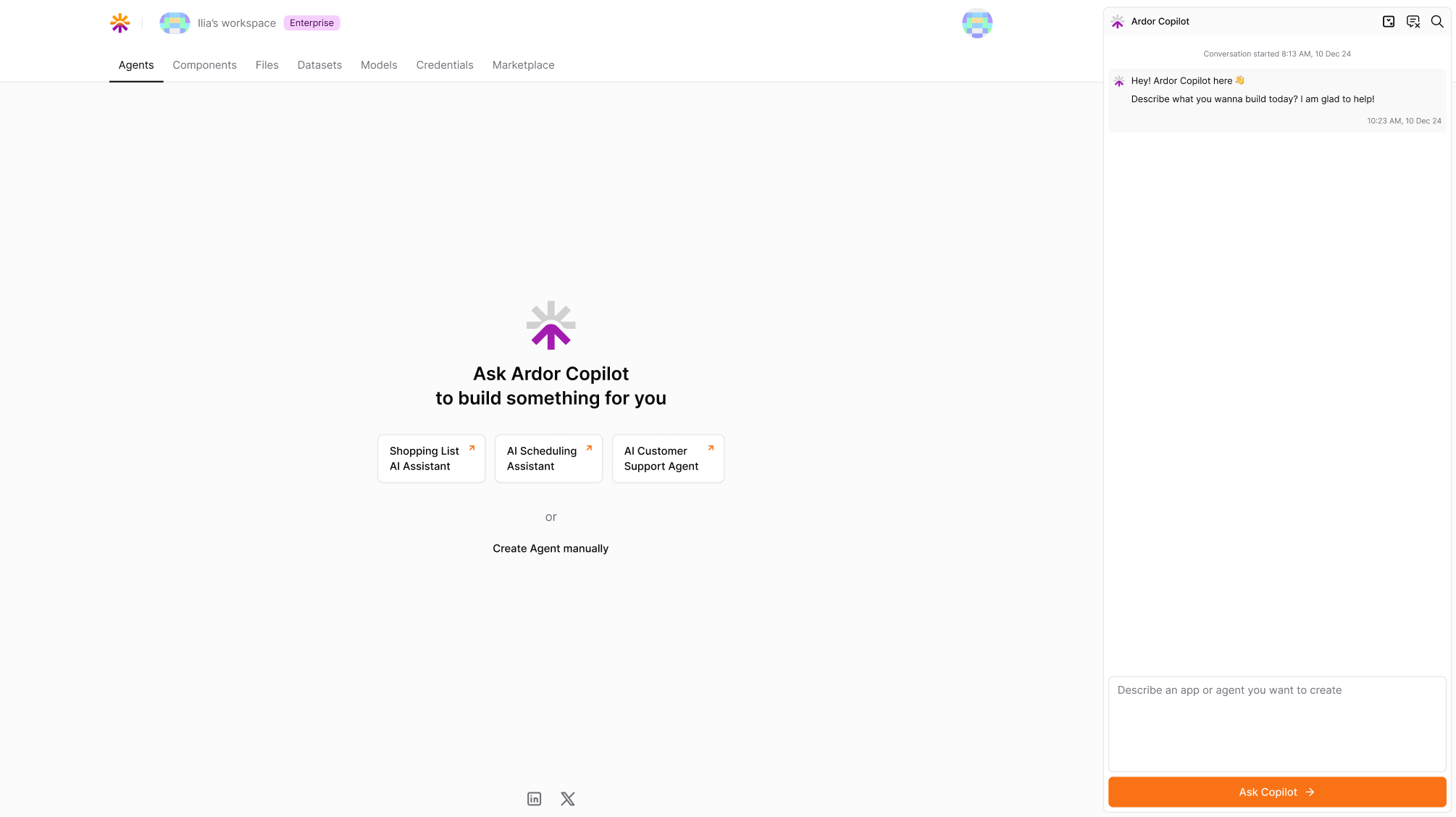 The console is organized into multiple sections, each dedicated to a specific aspect of solution development and management.
Key Sections
Solutions
Files
Datasets
Models
Credentials
Marketplace
The Solutions tab is where users can create, configure, and manage applications - from simple web apps to complex AI agents.
- View existing solutions, access their architectures, and deploy them to different environments
- Monitor logs, set API endpoints, and integrate with external systems
The Files tab stores various data assets and configurations required for your solutions.
- Upload, manage, and organize files used across your applications
The Datasets tab allows users to manage structured and unstructured datasets.
- Supports CSV dataset uploads, organization, and integration into solutions
- Provides tools for previewing and filtering data
The Models tab enables users to register, manage, and deploy custom AI/ML models.
- Supports importing pre-trained models
- Users can link models to solutions and update model versions as needed
The Credentials tab provides a secure way to manage API keys and authentication tokens used by your solutions and services within Ardor Cloud. Credentials allow seamless interaction with Ardor’s core API and external services.
The Marketplace tab is a hub for discovering and integrating third-party prebuilt solutions, datasets, and models.
- Users can browse, deploy, purchase, or subscribe to resources from various providers and community builders