> ## Documentation Index
> Fetch the complete documentation index at: https://docs.ardor.cloud/llms.txt
> Use this file to discover all available pages before exploring further.
# Documents
> Documents keep product context, requirements, plans, and notes connected to a solution.
 ## Overview
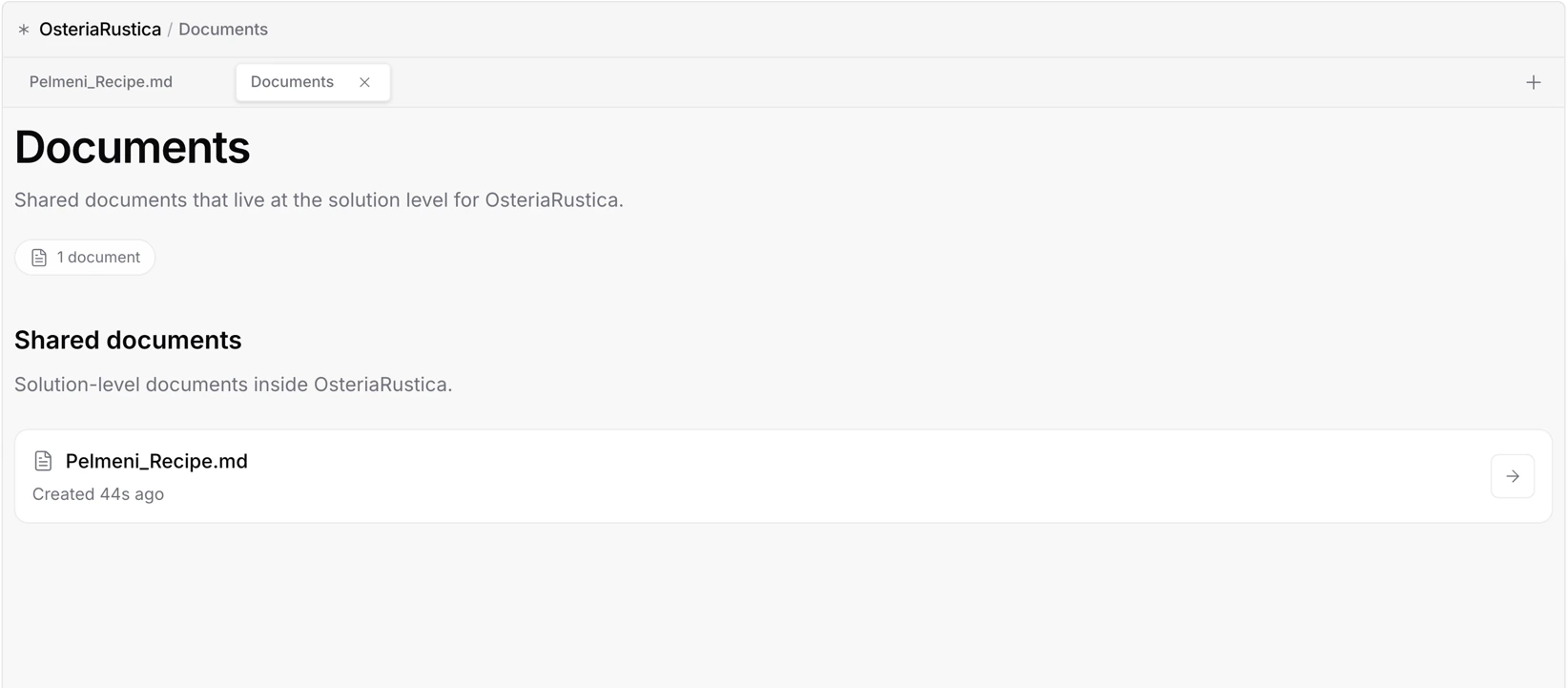
Documents are part of a solution. They keep the project context close to the services and environments they describe.
Use documents for requirements, product notes, implementation plans, research, test cases, decisions, and any other material that helps explain what the solution is and how it should evolve.
**Cerebrum can write and update documents.** Ask it to draft a PRD, turn notes into an implementation plan, summarize decisions, or keep project context aligned with the current solution.
## Why Use Documents
Documents give a solution memory beyond its code and configuration. They help you keep track of decisions, describe expected behavior, and preserve the reasoning behind the work.
Store requirements, user flows, specs, and planning notes in the same place as the solution.
Break work into clear steps before changing services or environments.
Keep decisions, assumptions, and open questions visible to everyone working on the project.
Preserve how the solution changed over time and why those changes were made.
## Common Documents
| Document | Purpose |
| ------------------- | ------------------------------------------------------ |
| PRD | Defines product goals, scope, and user-facing behavior |
| Implementation plan | Describes how a feature or change should be built |
| Test cases | Captures expected behavior and acceptance checks |
| Research notes | Keeps references, findings, and constraints together |
| Decision log | Records important project decisions and tradeoffs |
## Best Practices
When a technical or product decision matters, capture what was decided and why. Future work becomes much easier to understand.
Keep plans and requirements aligned with the current state of the project, especially after major implementation changes.
Before someone else continues the work, document the goal, current status, known issues, and next steps.
## What's Next
Understand how services, environments, and documents fit together
Learn how application components are managed inside Ardor
## Overview
Documents are part of a solution. They keep the project context close to the services and environments they describe.
Use documents for requirements, product notes, implementation plans, research, test cases, decisions, and any other material that helps explain what the solution is and how it should evolve.
**Cerebrum can write and update documents.** Ask it to draft a PRD, turn notes into an implementation plan, summarize decisions, or keep project context aligned with the current solution.
## Why Use Documents
Documents give a solution memory beyond its code and configuration. They help you keep track of decisions, describe expected behavior, and preserve the reasoning behind the work.
Store requirements, user flows, specs, and planning notes in the same place as the solution.
Break work into clear steps before changing services or environments.
Keep decisions, assumptions, and open questions visible to everyone working on the project.
Preserve how the solution changed over time and why those changes were made.
## Common Documents
| Document | Purpose |
| ------------------- | ------------------------------------------------------ |
| PRD | Defines product goals, scope, and user-facing behavior |
| Implementation plan | Describes how a feature or change should be built |
| Test cases | Captures expected behavior and acceptance checks |
| Research notes | Keeps references, findings, and constraints together |
| Decision log | Records important project decisions and tradeoffs |
## Best Practices
When a technical or product decision matters, capture what was decided and why. Future work becomes much easier to understand.
Keep plans and requirements aligned with the current state of the project, especially after major implementation changes.
Before someone else continues the work, document the goal, current status, known issues, and next steps.
## What's Next
Understand how services, environments, and documents fit together
Learn how application components are managed inside Ardor