> ## Documentation Index
> Fetch the complete documentation index at: https://docs.ardor.cloud/llms.txt
> Use this file to discover all available pages before exploring further.
# Import from GitHub
> Create an Ardor service from an existing GitHub repository.
**Use this when:** You already have code on GitHub and want to deploy it through Ardor.
**Cerebrum can import your repo for you.** Say "create a service from my GitHub repo" or point Cerebrum to the project you want to deploy, and it will guide the setup and configuration.
## How to create
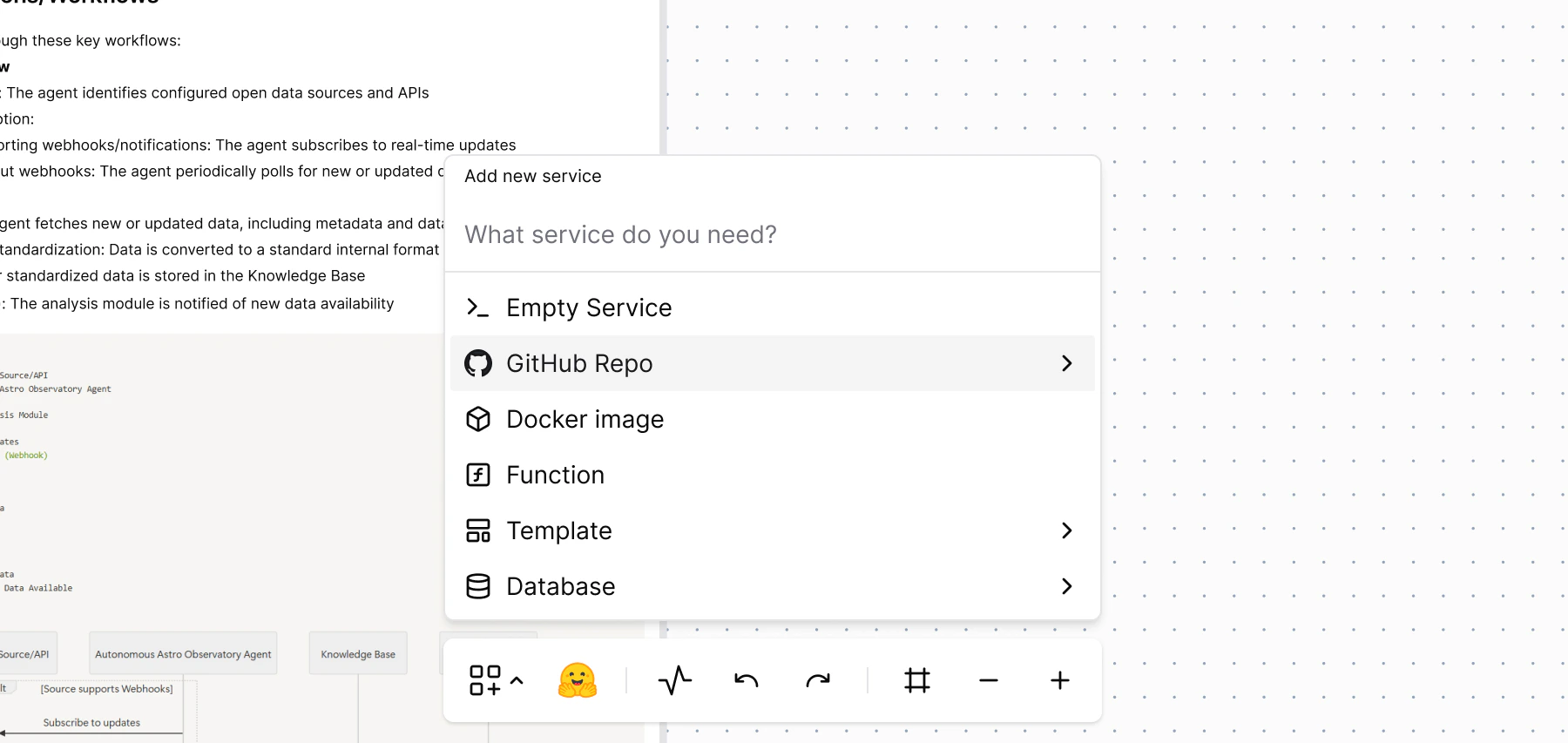 Click **Add Service → From GitHub Repo**
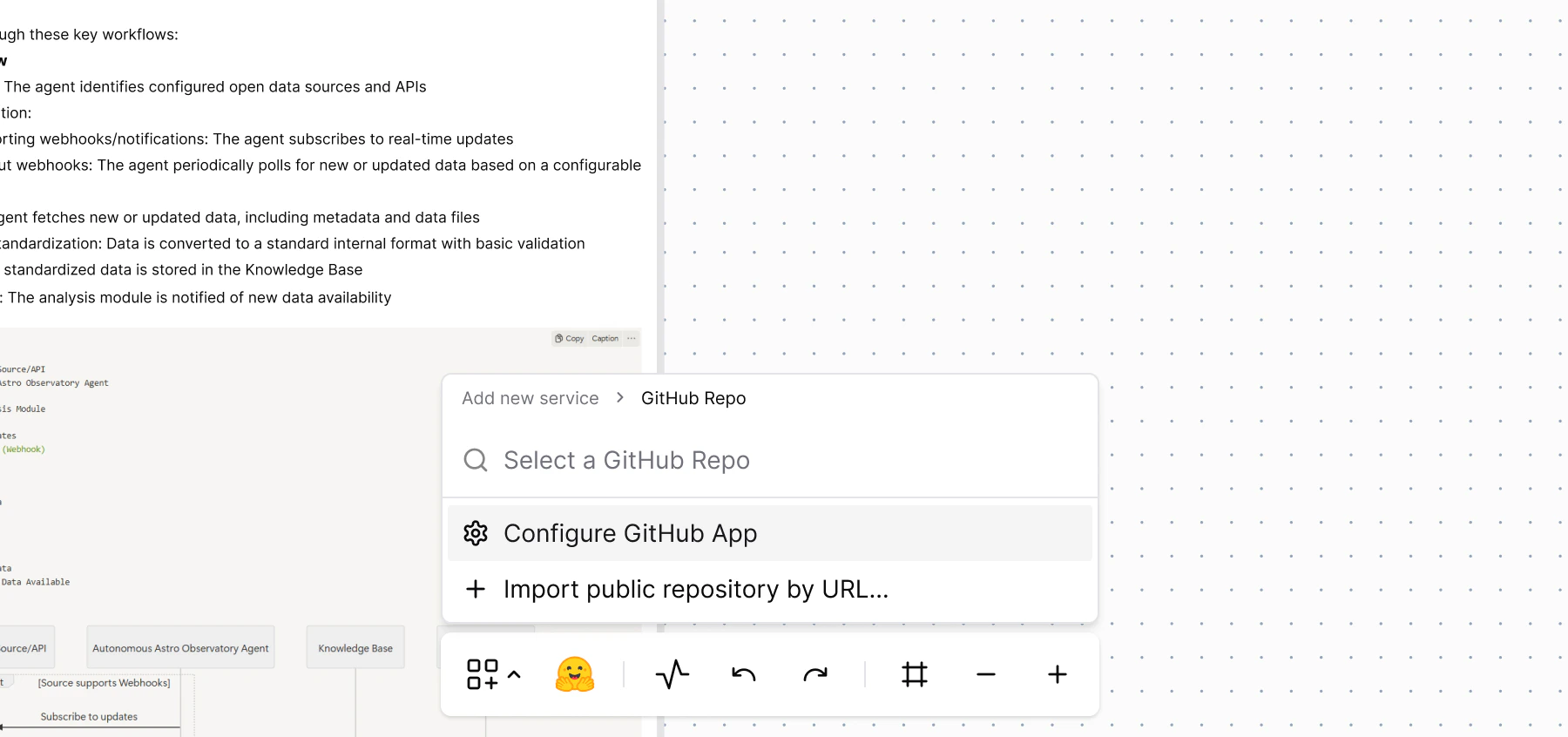 Choose a repository from your GitHub account
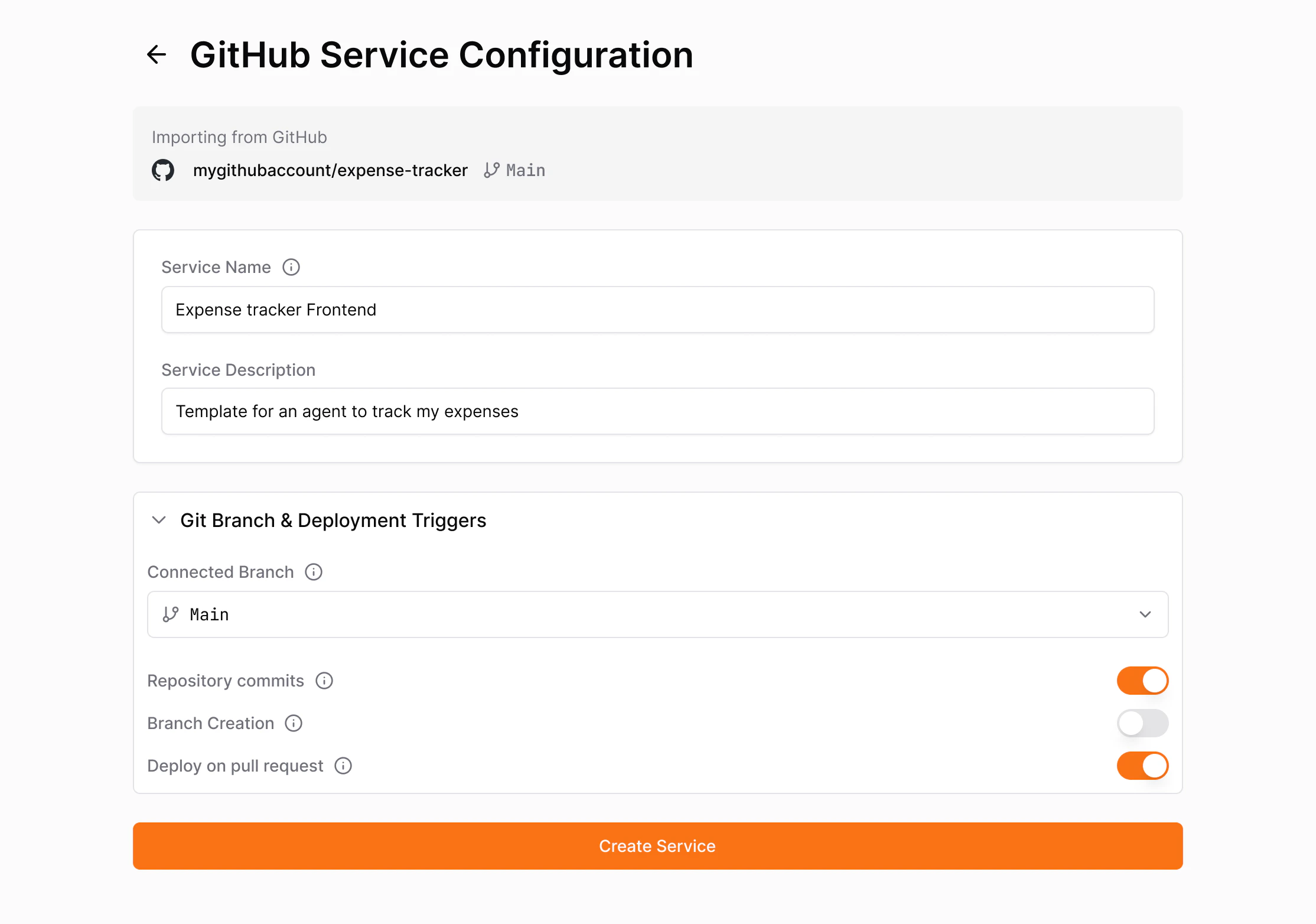 Name your service and set deployment options
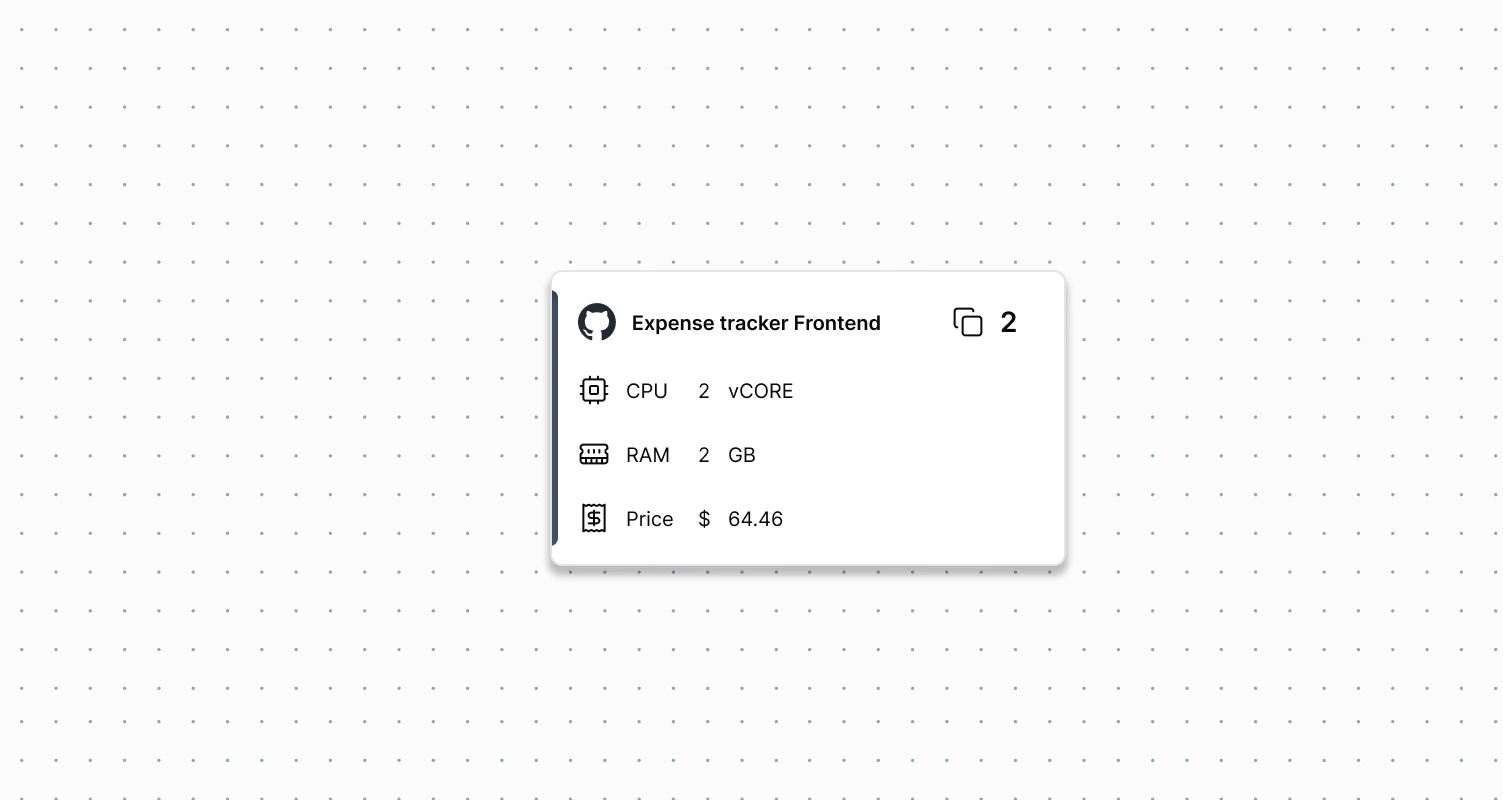 Click **Create Service**
Ardor clones the repo and creates the service.
This flow is for importing existing GitHub repos. If you already have a service in Ardor's internal Git, use **Export to GitHub** instead.
Click **Create Service**
Ardor clones the repo and creates the service.
This flow is for importing existing GitHub repos. If you already have a service in Ardor's internal Git, use **Export to GitHub** instead.